
How to Choose OEE Software for your Plant: A Complete Guide
Choosing OEE software for your plant means evaluating much more than whether the tool can calculate the metric. This complete guide explains how to compare features, machine compatibility, data capture methods, integrations, scalability, implementation, and support, so you can pick a platform that fits your manufacturing operations and delivers information you can actually use for continuous improvement.

Content
Choosing OEE software means much more than checking whether the platform can calculate the availability, performance, and quality of your machines.
The differences that matter show up when you evaluate how the data gets collected, what information you can see in real time, what analytics tools the solution offers, and how well it fits the machines and systems your plant already runs. The effort to get the platform up and running matters too.
The decision to buy OEE software deserves careful thought, because it has a real impact on daily manufacturing operations. Tools like these do more than give you better metrics for well-informed decisions. They also cut errors and rework.
In this guide, you'll find the main criteria for comparing OEE solutions, from its features and data capture methods to its scalability, integrations, support, and implementation.
Not every OEE software solution offers the same capabilities
The OEE metric combines availability, performance, and quality to show how much of your planned time turns into production at the expected speed and quality. But managing OEE well goes beyond the calculation. It also requires analysis, corrective actions, and cross-department effort. On directories like G2 and Capterra, specialized monitoring solutions are usually compared on features like real-time analytics, KPI monitoring, alerts, dashboards, custom reports, historical trend analysis, and integrations with other systems.
From there, we can define a few relevant questions for reviewing OEE software solutions. What data does it use for the calculation? How does it present that data? What analysis does it make easier? Can it connect with your current machines? And how much effort does it take to get into production?
Functionality a modern OEE software should have
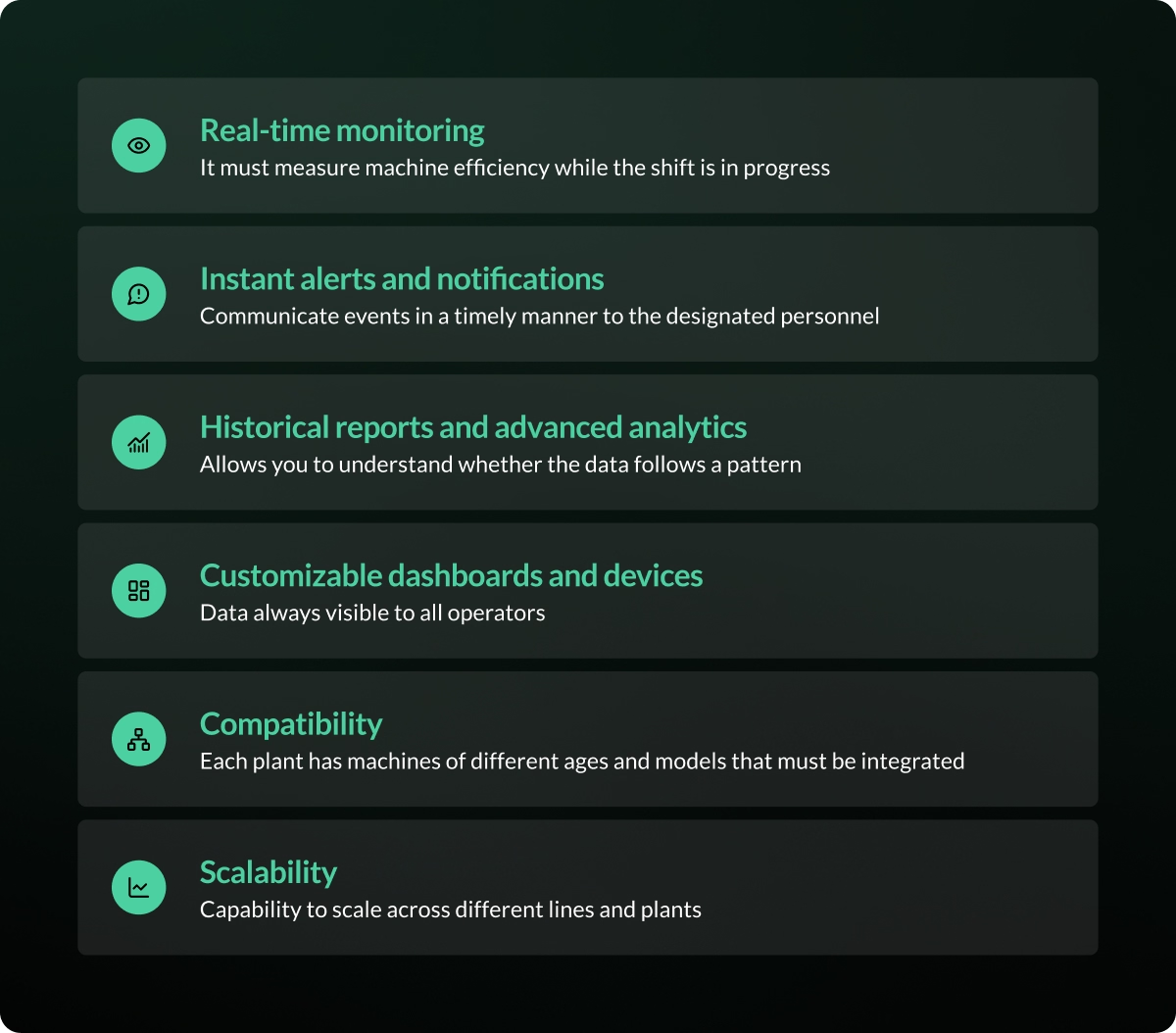
Real-time monitoring of OEE and production
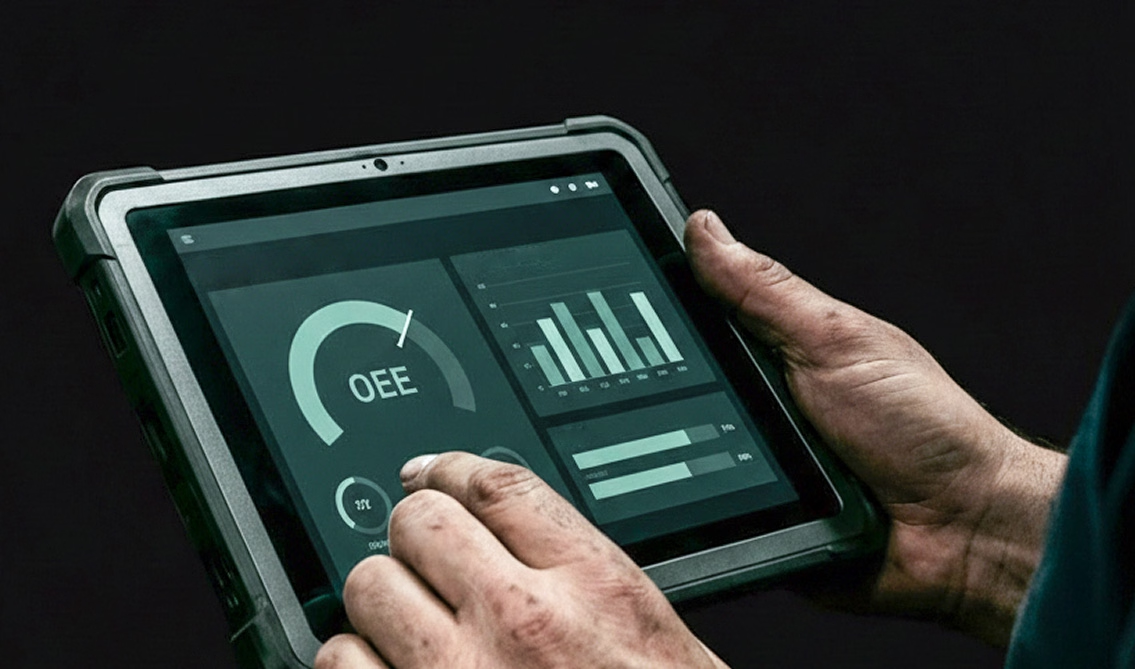
An OEE software should let you check machine efficiency while the shift is running, not only after you've built a report. In general, it should include dashboards or interfaces that show your key metrics clearly and simply:
- Total OEE & efficiency
- Availability, performance, and quality
- Production counts
- Machine stops and downtime
- Speed and cycle times
- When a machine is down, the reason it stopped
- Other metrics tracked automatically
This information lets you spot inefficiencies during the shift and gives you current, useful data to act in the moment, before it impacts production.
Instant alerts and notifications for faster response
Also tied to real-time shop floor monitoring: the person in charge won't always be watching the dashboard when a machine stops or a metric shifts. Alerts communicate these events, as long as you can set them up around your operating conditions.
When reviewing OEE software solutions, check:
- What events can trigger a notification?
- Whether you can set thresholds or minimum durations.
- Which people or teams receive each notice?
- Whether there's an escalation process.
- What channels are available for sending the alert?
- Whether alerts can be set up by machine, shift, or line.
An alert doesn't solve the problem on its own. Its job is to communicate the event in time so the team can respond.
Historical reports and advanced analytics
Real-time monitoring shows what's happening right now. Historical analysis lets you review whether an inefficiency or a machine stop is a one-off or a pattern you can adjust.
A modern OEE software should make analysis over time easy, such as:
- Pareto of machine stops or losses
- Trends in OEE, availability, performance, and quality
- Frequency and duration of interruptions
- Comparisons between machines
- Differences between shifts
- Performance by product or line
- How OEE evolves over time
- Comparisons between plants
For this, you need historical data by month or year, plus reports as tables or charts. Check whether you can export them and whether they stay current with real-time data.
Customizable dashboards
An operator may need shift progress and machine status, while a supervisor or manager needs comparisons, trends, and progress against targets.
So it's worth checking whether dashboards can be set up by:
- Priority metrics
- User role
- Machine or line
- Shift
- Production area
- Analysis period
Also check whether the information can be viewed on laptops/computers, mobile devices, and screens on the shop floor, or in areas like war rooms and meeting spaces.

Compatibility with different types of machines
Data collection methods and connectivity
No single capture method fits every process. On top of that, not every OEE software solution offers connectivity or includes hardware. That said, some solutions go beyond providing a monitoring interface. They also include ways to collect data automatically. The value of OEE machine monitoring is accurate metrics generated without any operator interaction.
The options include:
- PLC connection: takes advantage of signals the machine already records when access is feasible.
- Industrial sensors: can detect variables like proximity, current, and speed, and also handle machine stop detection and OEE calculation on platforms like Pulsar.
- Relays: capture specific states or events through existing digital signals.
- Industrial IoT devices: collect data from the machines and pass it to a system or software.
- Smart cameras: can count machine stops, detect the causes behind them, and identify SKUs through visual context.
- Semi-automated digital logging and forms: let the operator add stop causes, defects, or other context the machine can't identify on its own, through a form, a scanner, or an HMI.
Data on production, cycles, and states brings precision and real impact for continuous improvement.
Connection with new machines and legacy machines
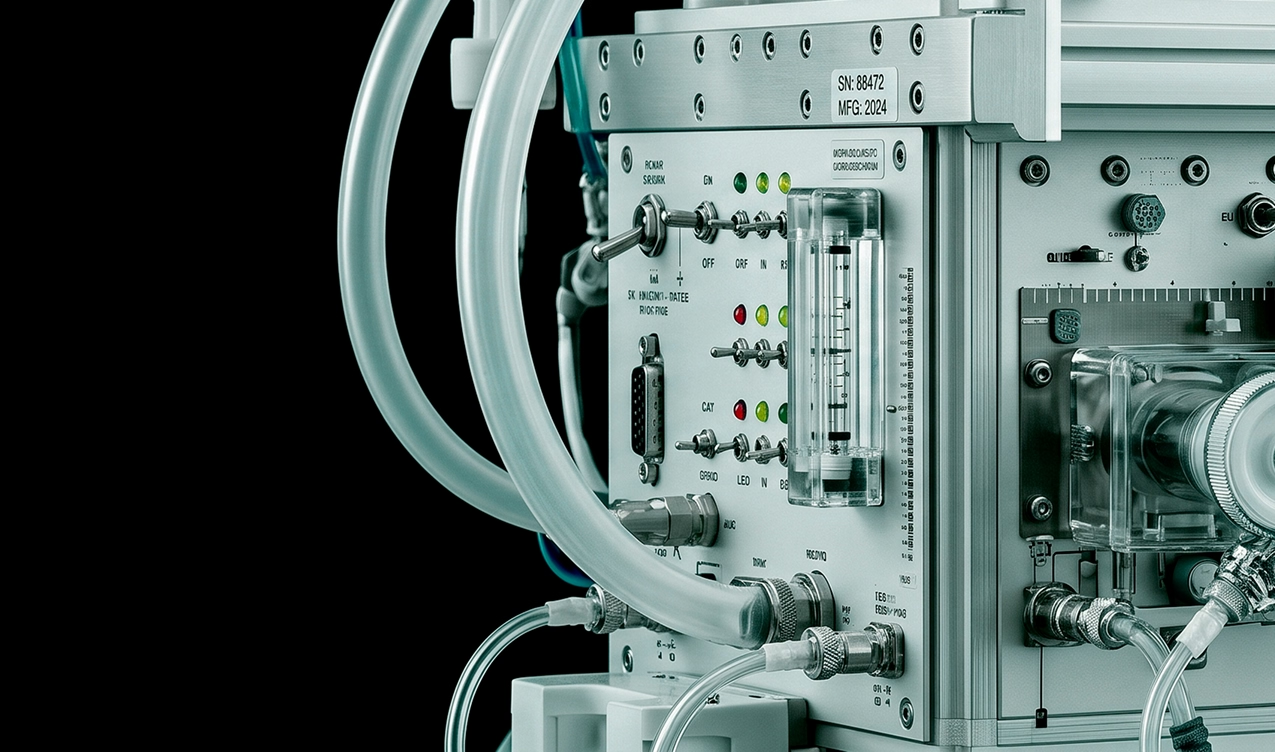
Today there are many ways to enable older or legacy machines with real-time OEE machine monitoring. Whether by enabling a PLC, using sensors, or installing relays, there are now more options to close the data gap on older machines.
Some modern machines come with a PLC, counters, communication protocols, or digital signals you can use. Others need sensors or external devices to get data on production, speed, cycles, or operating states.
Before you purchase an OEE solution, list your machines and their details, then check them against the solution you're considering.
The list should cover:
- Which machines can be connected?
- What data can you get from each machine?
- How much machine monitoring data can be stored or retrieved? (days, months, years)
- Whether you need access to the PLC.
- Whether installation affects the warranty or the operation.
- How will data be standardized across different machines?
Scalability for different lines and plants
Even if the project starts in a specific area or a single plant, it's important to know whether you can scale the project to new areas or plants.
Evaluate whether the software lets you:
- Add new users, and whether that costs extra.
- Add new machines gradually.
- Standardize metrics across different machines.
- Compare lines or plants.
- Manage multiple locations.
- Set permissions by user.
- Consolidate information without losing each machine's detail.
Industrial hardware matters here too. If enabling OEE machine monitoring of each machine type requires a completely different project, expansion can be slow and costly.
Integrations worth considering before you choose an OEE solution
ERP integration
The ERP manages information tied to orders, products, inventory, costs, and planning. The OEE software pulls operating data straight from production.
Connecting the two systems can help you align customer orders and inventory with what actually happened on the machines.
Before you buy, ask:
- What information can be imported from the ERP?
- What data can be sent from the OEE solution?
- How often do they sync?
- Which systems are compatible?
- Whether it's a proprietary ERP or an in-house build.
- Whether the integration needs extra development.
MES integration
If your factory already runs an MES that monitors metrics or variables, you'll need to define which system is the source for each data point and how you'll avoid duplicate records.
Ask the vendor:
- Whether they have connectors for your MES.
- What information can be exchanged?
- Whether it uses APIs or another integration method.
- Which system will calculate each metric?
- How will differences between data get resolved?
- How much involvement your IT team will need.
MES integrations tend to be an advanced feature, so confirm whether having it matters for your company.
Implementation: what to ask before you buy OEE software
Implementation time
An estimate like "two weeks" or "one month" says little without explaining what it includes.
Ask when the following implementation stages will be ready:
- Machine assessment
- Hardware selection (if included)
- Physical installation (if included)
- Platform setup
- Signal validation
- Defining shifts, products, and targets
- Training
- Start of monitoring
- When the first reports will be available
You'll also want to confirm whether implementation requires stopping machines, modifying PLCs, installing network infrastructure, or assigning your internal IT team.
Training for operators and supervisors
Training should be part of the implementation and should fit the work of operators, supervisors, continuous improvement leads, and managers.
Evaluate whether the vendor includes:
- Sessions by user profile
- Reference materials
- Training for new team members
- Practice with real data
- Guidance on setting up reports
- Follow-up after implementation
Technical support and guidance
Support isn't just for fixing software problems. It also matters when you add machines, change shifts, adjust metrics, or new analysis needs come up.
Before you buy, confirm:
- Support channels and hours
- Response times
- Support for hardware and software (if hardware is included)
- Who's responsible for connectivity
- How often updates ship
- Guidance during expansion
- The process for replacing a device when it fails
- Whether specialists who know the industrial setting are available
Explore our platform
How to compare different OEE software solutions beyond their features
A long list of features can make a solution look more complete. But a feature adds little if the team doesn't know how to use it, or if it takes too much effort to produce useful information.
Beyond reviewing specs, compare platforms using these criteria:
- Ask how easy the interface is for operators to use and adopt.
- Request a demo to see the solution handle common tasks with realistic data, like reviewing a machine stop, comparing shifts, or generating a Pareto.
- Involve operators, supervisors, and continuous improvement leads to judge how easy it is to use.
- Define one or two priority use cases, like measuring machine stops automatically or cutting the time spent on reports.
- If you run a pilot, set criteria to evaluate data quality, adoption, and implementation effort.
What matters most is seeing how it works with a process or a machine similar to the ones in your plant.
Checklist for evaluating OEE software solutions
Use this list during demos and conversations with vendors:
Monitoring and communication
- ✅ Real-time OEE monitoring and its three components
- ✅ Monitoring of other metrics that matter for production efficiency
- ✅ Tracking of availability, performance, and quality
- ✅ Machine status and production progress
- ✅ Configurable alerts and notifications
- ✅ Customizable dashboards
- ✅ Access from different devices
- ✅ Digital logging of causes and operating context
Reports and analytics
- ✅ Historical reports
- ✅ Pareto of machine stops or losses
- ✅ Trend analysis
- ✅ Comparisons between shifts
- ✅ Comparisons between machines and lines
- ✅ Consolidation of information across plants
- ✅ Data export
Machine compatibility
- ✅ Connection with machines in your industry
- ✅ Compatibility with older or legacy machines
- ✅ Industrial sensors or relays
- ✅ Ability to use existing PLCs and counters
- ✅ Cameras or automatic capture devices
- ✅ Connectivity in the plant (WiFi or network infrastructure)
Systems and scalability
- ✅ ERP integration
- ✅ Ability to connect with an MES
- ✅ Connection with BI platforms
- ✅ API available and documented
- ✅ A process for adding more users, machines, or plants
- ✅ Management of multiple lines and plants
- ✅ User and permission management
Implementation and support
- ✅ On-site installation
- ✅ Defined implementation time
- ✅ Documented technical requirements
- ✅ Specified hardware scope
- ✅ Training for operators, supervisors, and leads
- ✅ Type of technical support
- ✅ Guidance after go-live
Pulsar fits your machines and your manufacturing operations
Pulsar combines industrial hardware, software, and continuous support to pull data straight from your machines and turn it into metrics your teams can check during the shift.
We collect data directly from the machines using analog and digital sensors, relays, smart cameras, and other external devices. This lets you bring in machines of different brands, processes, and ages without touching the PLC.
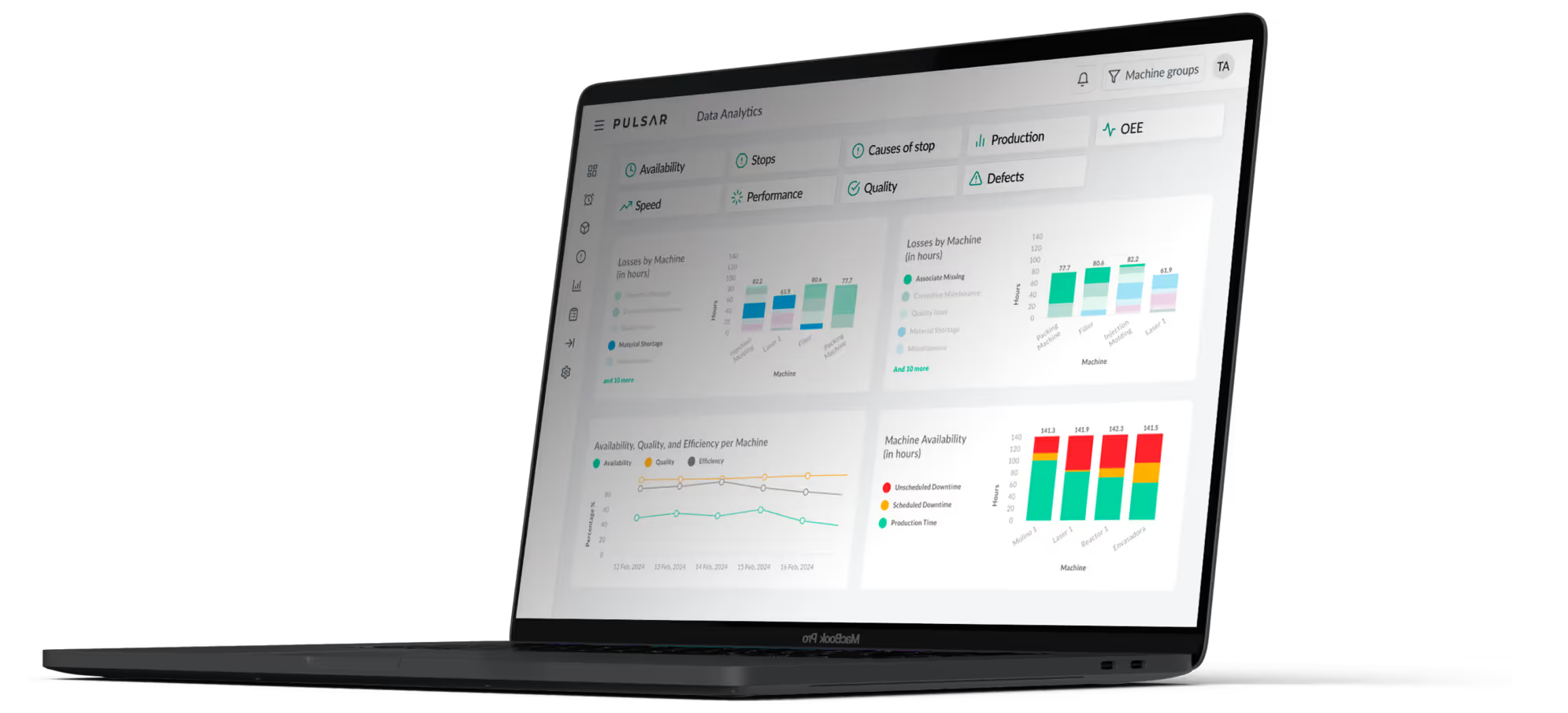
From the Pulsar platform, you can monitor OEE, availability, performance, quality, production, speed, cycles, machine stops, and over 25 production metrics. The dashboards, historical reports, and alerts help you compare shifts and periods, spot recurring losses, and communicate key events to management and leadership.
Implementation includes hardware installation, platform setup, user training, and ongoing technical support. Pulsar does more than calculate OEE automatically. It standardizes data from different machines and turns it into a practical foundation for tracking production and driving improvement work.
Book a demo to see how our OEE software can benefit your plant.
Frequently asked questions
What features are worth having in an OEE software?
Worthwhile features include automatic data capture, real-time monitoring, calculation of availability, performance, and quality, configurable alerts, historical reports, and trend analysis. Customizable dashboards and comparisons by machine, shift, or line are also worth having. Learn more about how Pulsar helps you monitor OEE in real time with Industry 4.0 technology.
How do I know if an OEE software is compatible with my machines?
Request a technical assessment of your critical machines. The vendor should review brands, models, age, available signals, PLCs, and process characteristics. When a machine doesn't provide data directly, you can use sensors, relays, cameras, or external capture devices.
How long does it take to implement an OEE software solution?
It depends on the number and variety of machines, the available infrastructure, the capture method, and connections with other systems. Platforms like Pulsar offer non-invasive hardware that installs in a single visit, along with guided implementation processes and fast adoption. Depending on the data capture approach, the project can be up and running in less than a month, or it can take several months to implement.
What integrations should an OEE software offer?
The integrations depend on the systems the plant already uses. The most relevant usually include ERP, MES, and Business Intelligence platforms. Before you buy, confirm what data can be exchanged and whether the connection carries extra costs.
Can you implement OEE software without replacing existing machines?
In many cases, yes. Older machines can be monitored with industrial sensors, relays, smart cameras, and other data capture devices. The feasibility and the type of hardware needed should be evaluated based on the characteristics of each machine and process. Pulsar uses this approach to capture data automatically without requiring PLC access.
Related articles
Request a Custom Demo
See how Pulsar’s manufacturing intelligence platform can help your operations today.